"Should I learn Excel or Python?" is one of the most common questions we hear from aspiring data analysts. The internet is full of strong opinions—some say Python is the future, others swear by Excel.
The reality? Both are valuable, and the right choice depends on where you are and where you want to go.
The Case for Starting with Excel
Excel is everywhere. It's installed on virtually every work computer, and most professionals already have basic familiarity with it.
Excel is your best starting point if:
- You're completely new to data analysis
- Your current job involves spreadsheets
- You need to produce results quickly
- You work in a non-technical organization
- You want to build confidence before coding
What you can do with Excel:
- Data cleaning and transformation
- Pivot tables and summary statistics
- Charts and basic dashboards
- Financial modeling
- Scenario analysis with What-If tools
The Case for Python
Python is a programming language that's become the standard for data science and analytics. It's powerful, flexible, and free.
Python makes sense if:
- You're targeting a data science or analyst role at a tech company
- You need to work with very large datasets (100K+ rows)
- You want to automate repetitive analysis tasks
- You're interested in machine learning
- You already have some programming experience
What you can do with Python:
- Data manipulation with pandas
- Statistical analysis with scipy and statsmodels
- Data visualization with matplotlib and seaborn
- Machine learning with scikit-learn
- Web scraping and API data collection
Our Recommendation
For most beginners, especially in the Nigerian and African professional context, we recommend this path:
- Start with Excel (2-4 weeks) — Build your data intuition
- Add SQL (2-3 weeks) — Learn to extract data from databases
- Learn Power BI/Tableau (2-3 weeks) — Create professional dashboards
- Then add Python (4-8 weeks) — When you're ready for automation and advanced analysis
This progression builds your confidence while making you productive at each stage.
The Truth About the Job Market
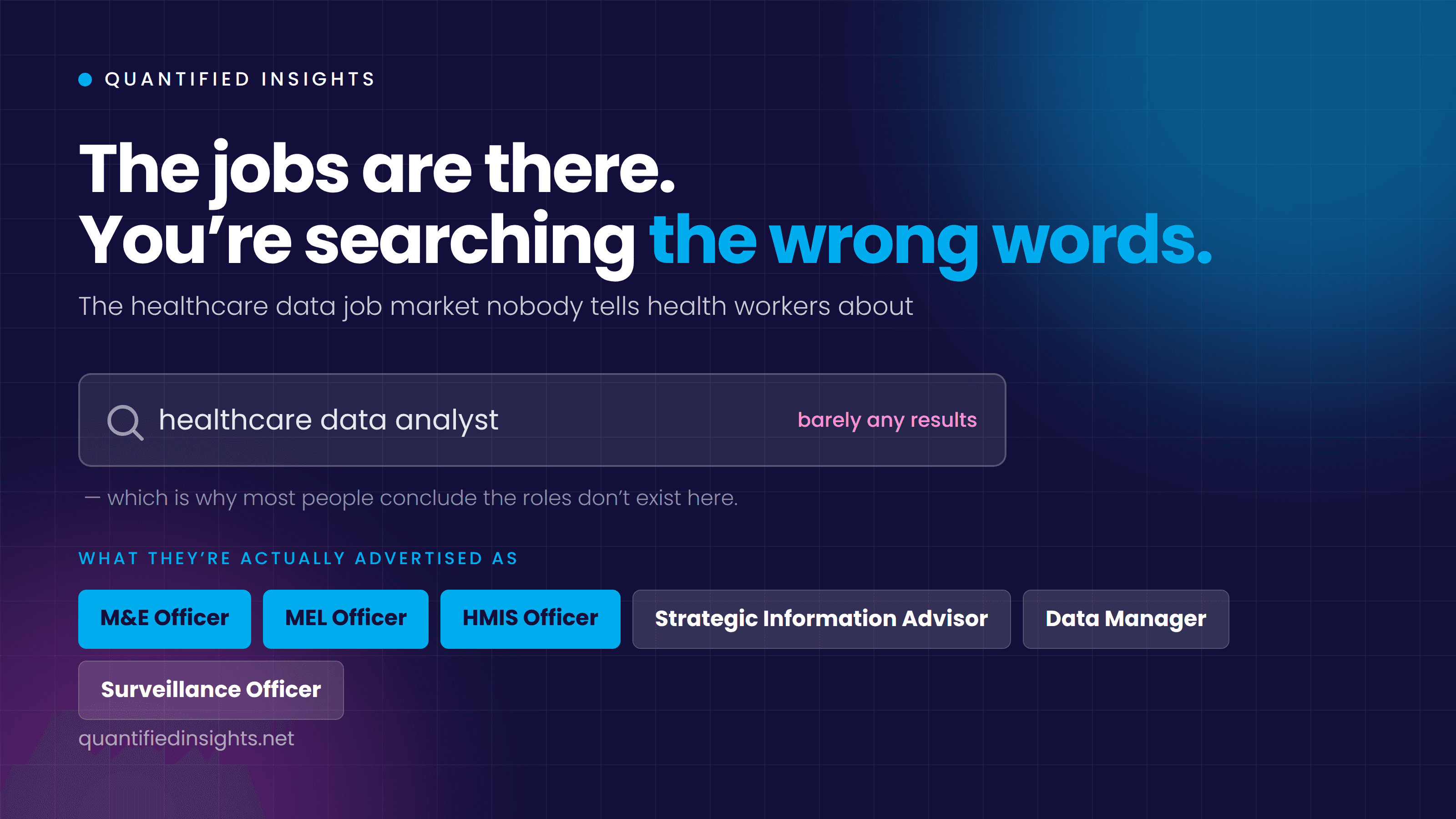
Here's what job postings actually show:
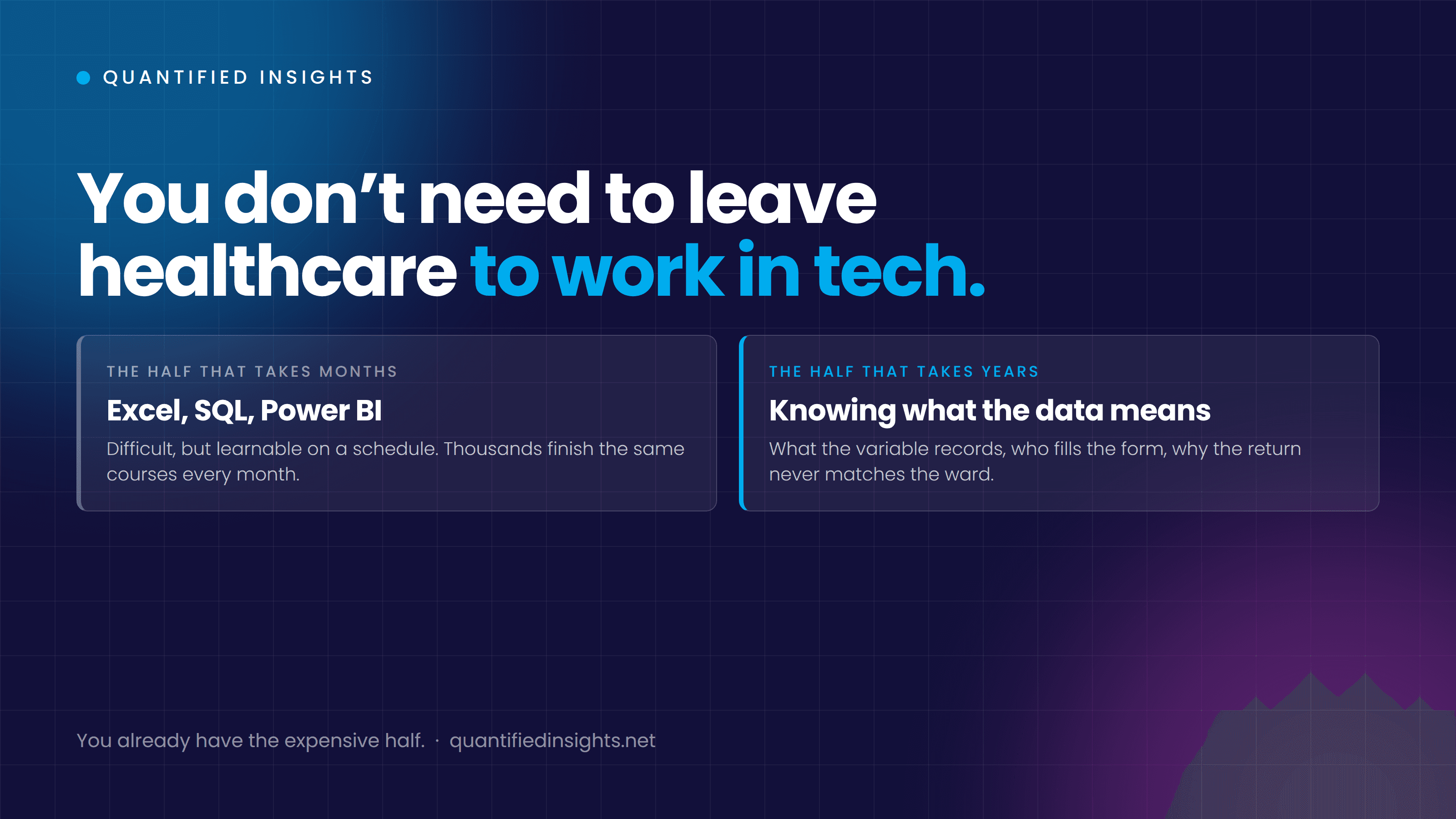
- Most analyst roles require Excel + SQL + at least one BI tool
- Data science roles additionally require Python or R
- Business intelligence roles emphasize Power BI or Tableau
Excel alone won't land you a data role in 2026, but Excel + SQL + Power BI will make you competitive for many positions. Python expands your options further.
Don't Fall for the "Learn Everything" Trap
The worst thing you can do is try to learn Excel, Python, R, SQL, Power BI, and Tableau simultaneously. Pick a focused path, go deep, build projects, and then expand.
Our Data Analysis Training program follows this exact progressive approach—Excel → SQL → Power BI/Tableau → Python—with real projects at every stage.